[AWS Cloud Fundamental Notes] Auto Scaling
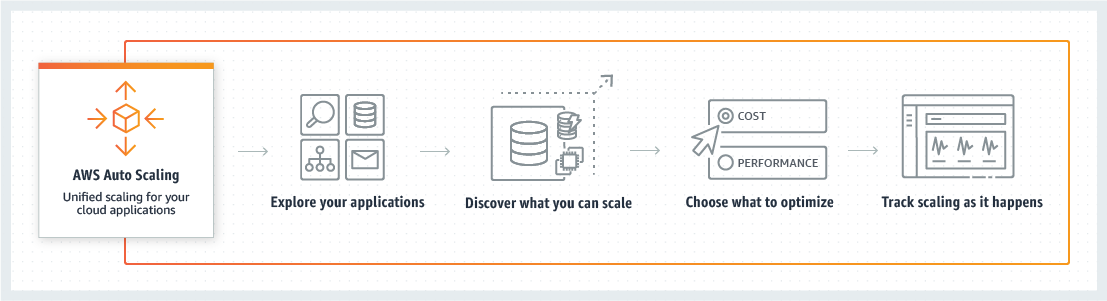
Introduction to Auto Scaling and its usage and operational mechanism
A Bit everyday A Byte every week
Introduction to Auto Scaling and its usage and operational mechanism
Configuring Auto Scaling on GCP for Enhanced Server Flexibility
First, you need to stop the specified VM.
Next, in the sidebar, navigate to Storage -> Images, then click on it to select Create Image.
Make sure not to choose Virtual Machines -> achine Image as it will lead to confusion later on!
In the beginning, I mistakenly pressed Create Machine Image from the VM section and got stuck in this alternate world, which wasted my whole afternoon.